The fastest start is your own website: we read it for you, and you check what we found.
- Click New Brand Kit, paste your website and press Read my site. It uses no credits and takes about a minute.
- We pull in your logo, colours, fonts, voice, tagline and products with photos. Nothing is saved until you check it.
- On Here’s what we found, press Save Brand Kit to keep it, or Review all to open the kit and fine-tune it.
- Your site’s own fonts can’t be used in a video, so we pick the closest match — change it any time.
- Prefer to fill it in yourself? Press Start blank instead. Captured a page in URL to Video? Press Save as Brand Kit on the capture.
TIP
If the logo on your site is too small to look sharp, we don’t keep it. Press Upload logo and add a PNG, JPG, WEBP or SVG at least 256 px on its short side.
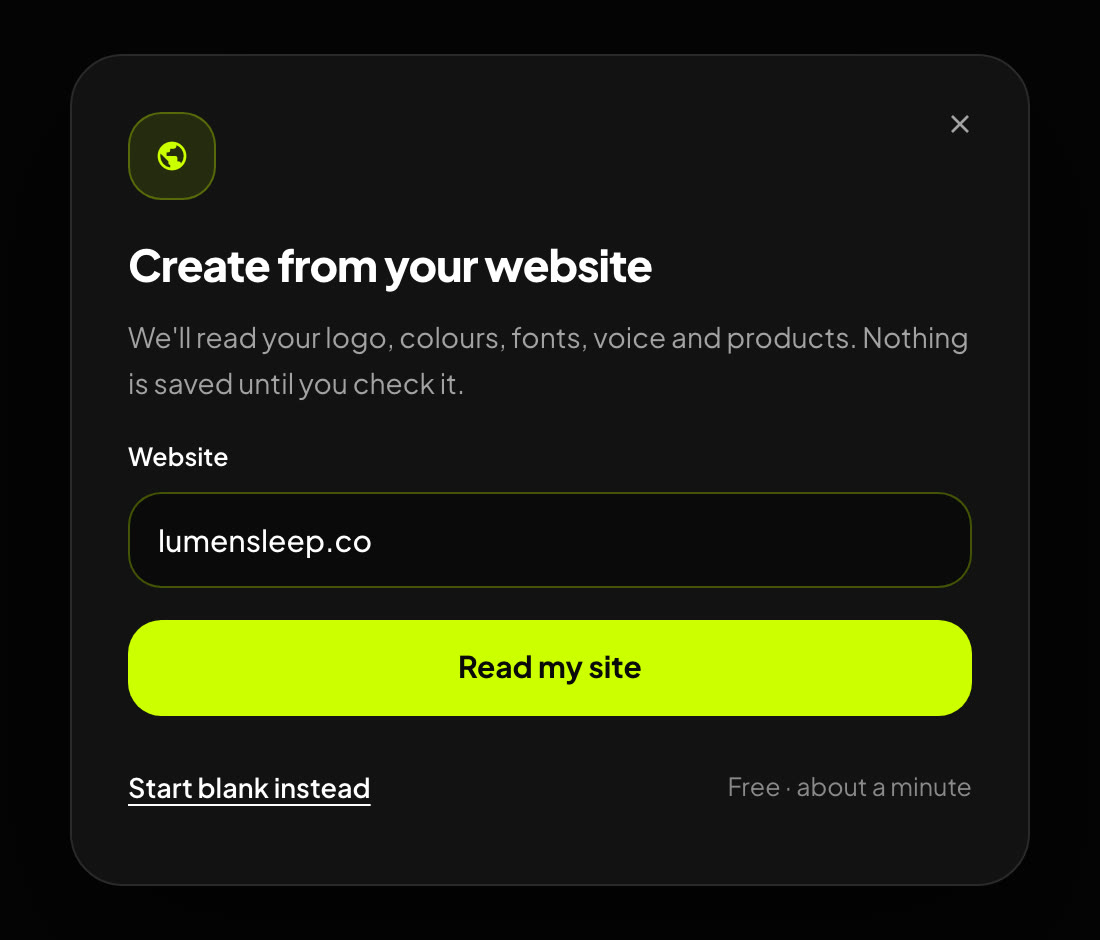
Create from your website — paste the address and press Read my site, or start blank.
Was this article helpful?
That’s Great!
Thank you for your feedback
Sorry! We couldn't be helpful
Thank you for your feedback
Feedback sent
We appreciate your effort and will try to fix the article