Your twin is a presenter with your face and, optionally, your voice — built from one short selfie clip, then available in every format like any other character.
- In Characters, click Create your twin.
- Record or upload 10–20 seconds of you talking to the camera — good light, face clearly visible, one person in frame, no sunglasses.
- Your twin appears under My Twins — cast it in briefs (“my twin presents this”) or use it in Video Clone’s “Recreate a TikTok as yourself.”
TIP
Talk naturally, straight to the camera — a casual phone selfie clip works great. The clip is also where your voice clone comes from.
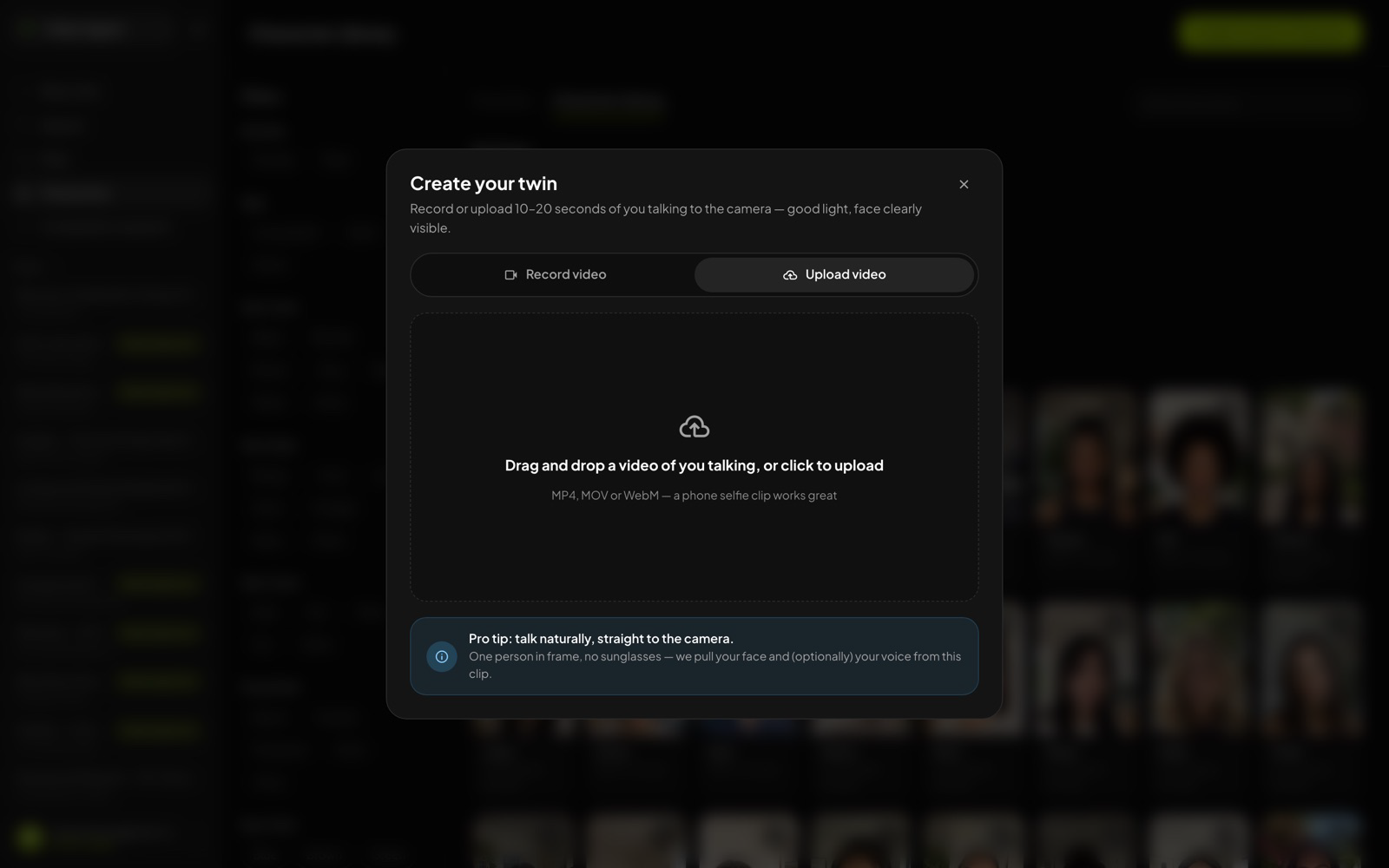 Create your twin — record or upload one short clip; the pro-tip box tells you exactly what makes a good one.
Was this article helpful?
That’s Great!
Thank you for your feedback
Sorry! We couldn't be helpful
Thank you for your feedback
Feedback sent
We appreciate your effort and will try to fix the article